From Artiststore to Shopify: How Shrimpy Simplifies Merch Sales
November 4,2026 7:10 PM(UTC+8) 33 views
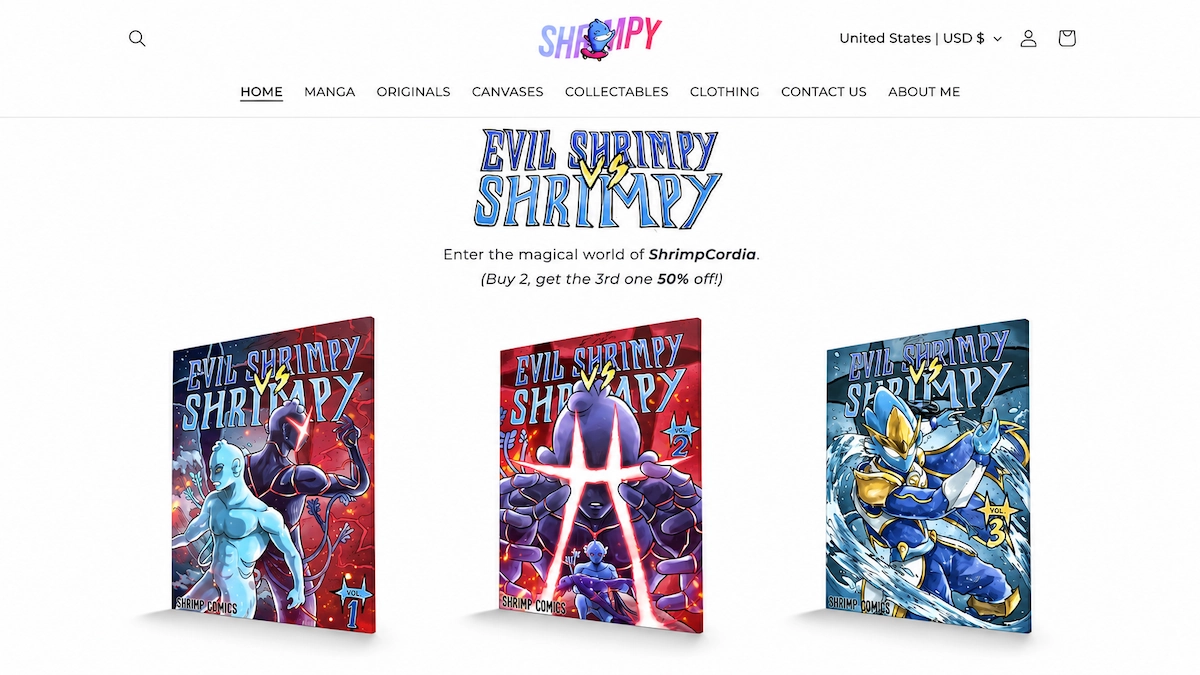
Already have a Shopify store but want an easier way to create and fulfill custom merch? You do not necessarily need to rebuild your storefront or manage every product by hand.
Shrimpy provides a practical example. By connecting Shopify with Artiststore, the artist can create print-on-demand products in Artiststore and publish selected listings to an existing Shopify shop. The storefront stays Shrimpy’s; product creation and fulfillment gain a more streamlined workflow.
Here is how the integration works, what changes behind the scenes, and what Shrimpy’s early order activity can—and cannot—tell us.
Shrimpy Keeps the Store, While Artiststore Supports Merch Production
Shrimpy’s own online store features character-driven merchandise, including Shrompi and Evil Shrimpy keychains. Customers browse and place orders through the familiar Shopify storefront, while Artiststore can support the production and fulfillment of connected print-on-demand items.
That separation is the central advantage: the artist keeps control of the shopping experience without having to recreate every eligible product listing or hold stock in advance.
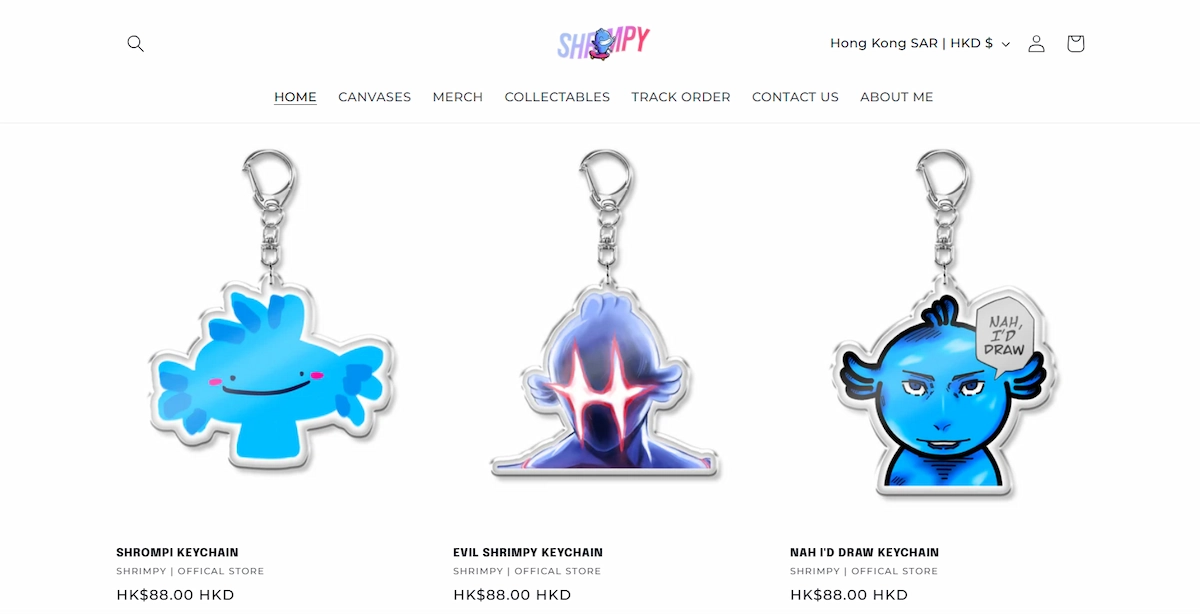
Shrimpy’s Shopify storefront, shown in the original case study.
How to Connect Artiststore to Shopify
According to Artiststore’s current integration guide, the setup follows a straightforward sequence:
1. Create your POD products in Artiststore. Upload artwork, choose supported products, and complete the product details.
2. Open Integration Management → Store Connection in the Artiststore dashboard, then select Shopify and click Connect.
3. Select the Shopify store and install/authorize the Artiststore app when prompted. Return to Artiststore to confirm the connection.
4. In Product List, select the products you want to publish. Review the listing details, choose Publish, and confirm the destination Shopify store.
5. Check the resulting listings in Shopify. Then open Shopify Settings → Shipping and delivery → Shipping profiles, and add Artiststore as the fulfillment location where required. Save your settings.
You choose which products to publish; connecting the accounts does not mean every item in the Artiststore catalog is automatically added. For the latest screen-by-screen instructions, see the official Shopify integration guide .
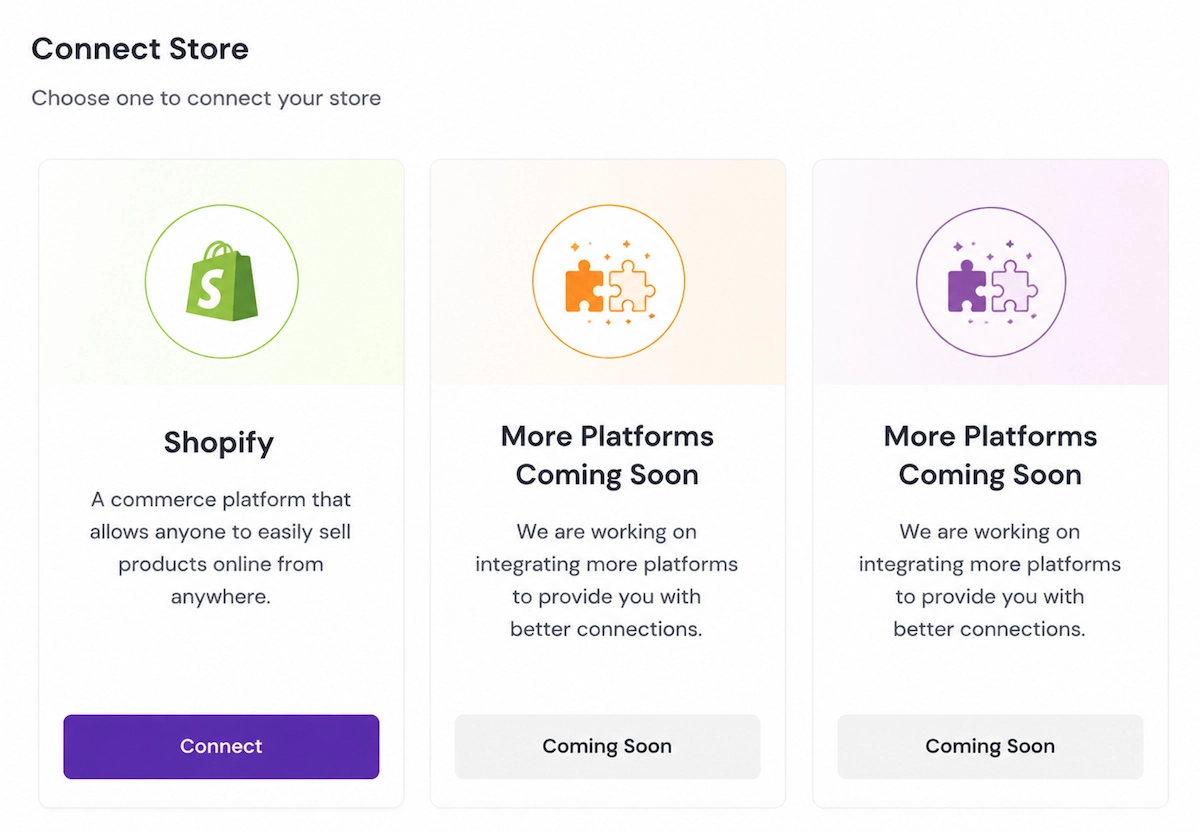
The store-connection interface shown in the original Shrimpy case study.
What Changes After Product Syncing?
With the stores connected, eligible products can move from creation to sale with fewer repeated steps:
· Publish selected items: Product listings created in Artiststore can be sent to Shopify without rebuilding each listing manually.
· Keep the existing storefront: Customers continue to browse the design, layout, and checkout experience of the Shopify store.
· Review synchronization status: Artists can check whether listings are published or need attention, and retry items that fail to sync.
This simplifies routine product management, but merchants should still check titles, variants, pricing, shipping settings, and updates after publishing.
From Shopify Order to Print-on-Demand Fulfillment
Once customers order connected Artiststore POD products through Shopify, the integration allows the relevant order details to be handled through the connected fulfillment workflow. Artiststore’s guide also documents a Request Fulfillment option in Shopify.
With POD production, artists do not need to purchase a large inventory of eligible designs before a sale. They can focus on artwork, customer communication, and their own store experience while Artiststore manages the production-and-shipping portion of those connected orders.
What Shrimpy’s Sales Results Actually Show
Artiststore’s published Shrimpy case reports that multiple products began receiving daily orders after the Shopify setup went live. The original case also includes a screenshot of Shopify-sourced orders.
That is evidence of real order activity—not a published conversion rate or a quantified sales lift caused by integration. No total sales figure or before-and-after comparison is provided. The defensible takeaway is that the connected workflow supported a functioning, order-generating storefront while reducing manual merchandising work.
Why This Workflow Appeals to Artists With Shopify Stores
· Keep your brand: Continue selling through your existing Shopify domain, collections, and customer-facing design.
· Avoid duplicate listing work: Create supported merch in Artiststore and publish it to Shopify.
· Reduce inventory exposure: Produce connected POD merchandise when orders are placed rather than pre-stocking every variation.
· Spend more time creating: Put more attention into new artwork, launches, and community engagement.
The integration is most useful when Shopify is already the artist’s preferred sales channel, but production and fulfillment are tasks they would rather simplify.
Final Thoughts
Shrimpy shows how an artist can keep a dedicated Shopify storefront while using Artiststore to help turn designs into merch and fulfill connected orders.
For artists who already have a shop, that can be a more practical next step than starting over: keep the store your audience knows, and simplify the work behind the products.
FAQ
Can I connect an existing Shopify store to Artiststore?
Yes. Connect and authorize Shopify through Artiststore’s integration settings, then publish supported products.
Will all my Artiststore products appear on Shopify automatically?
No. You select the products to publish and confirm their listing details and destination store.
Do I need to manage inventory for connected POD products?
Typically not in advance. Eligible products can be made on demand, though you still need to manage store settings and customer-facing obligations.
What happens when someone orders through Shopify?
Connected POD order details can enter the Artiststore fulfillment workflow. Follow the integration guide to configure the correct fulfillment location.
Does Shopify integration guarantee more sales?
No. It can reduce operational friction, but demand, pricing, artwork, promotion, and customer experience still influence results.
Ready to connect your Shopify store?
Explore the Artiststore Shopify integration guide , create your merch, and keep selling through the storefront you have already built.