

How to Create Self-Fulfilled and Digital Products on Artiststore
Artiststore now supports Self-Fulfilled Products and Digital Products, giving you more ways to sell your creations alongside POD products!
- Self-Fulfilled Products (Physical Goods): Sell your own physical merchandise and handle packaging and shipping yourself.
- Digital Products (Virtual Goods): Sell digital artwork, design files, downloadable content, and more, with instant delivery to customers.
Follow the steps below to get started.
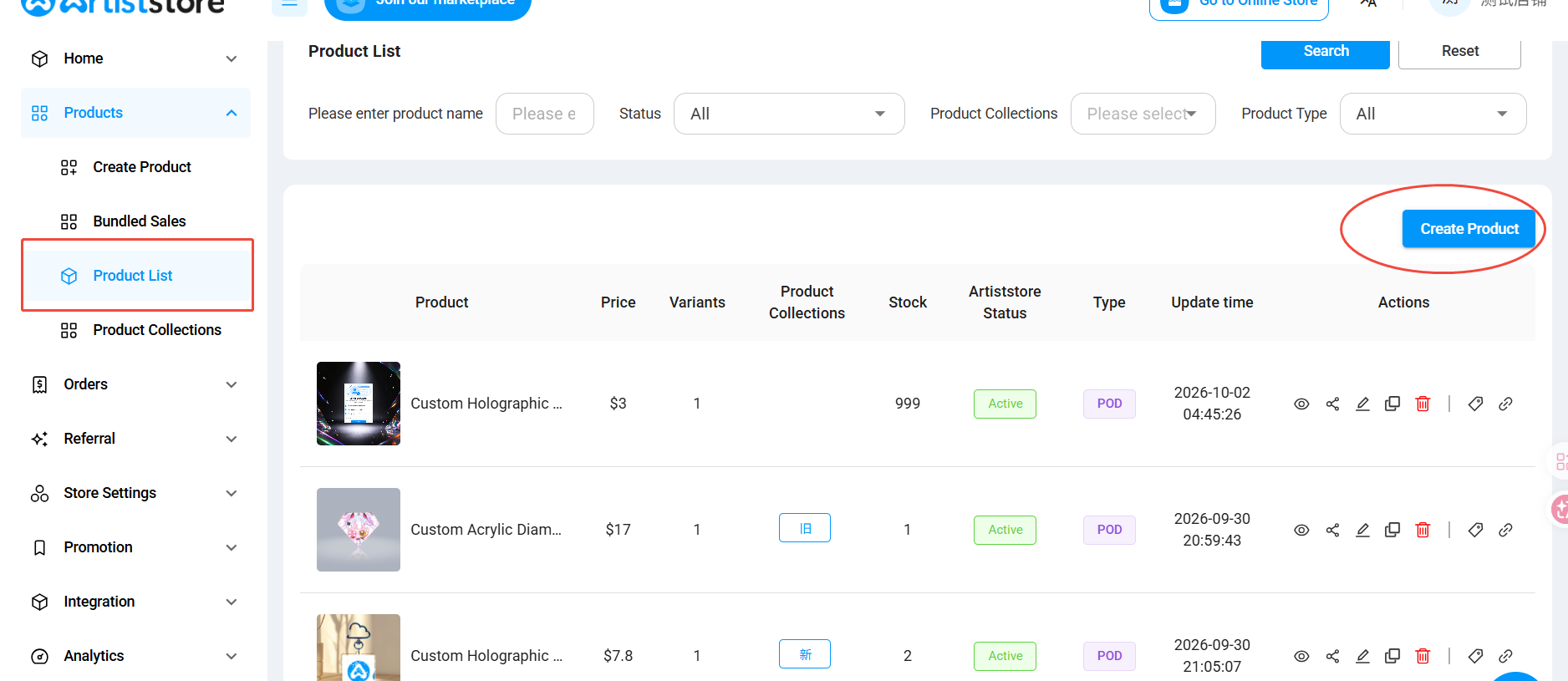
Step 1: Go to Create Product
Log in to your Artist Dashboard and navigate to:
Products → Product List → Create Product
Click Create Product to get started.
Step 2: Choose Your Product Type
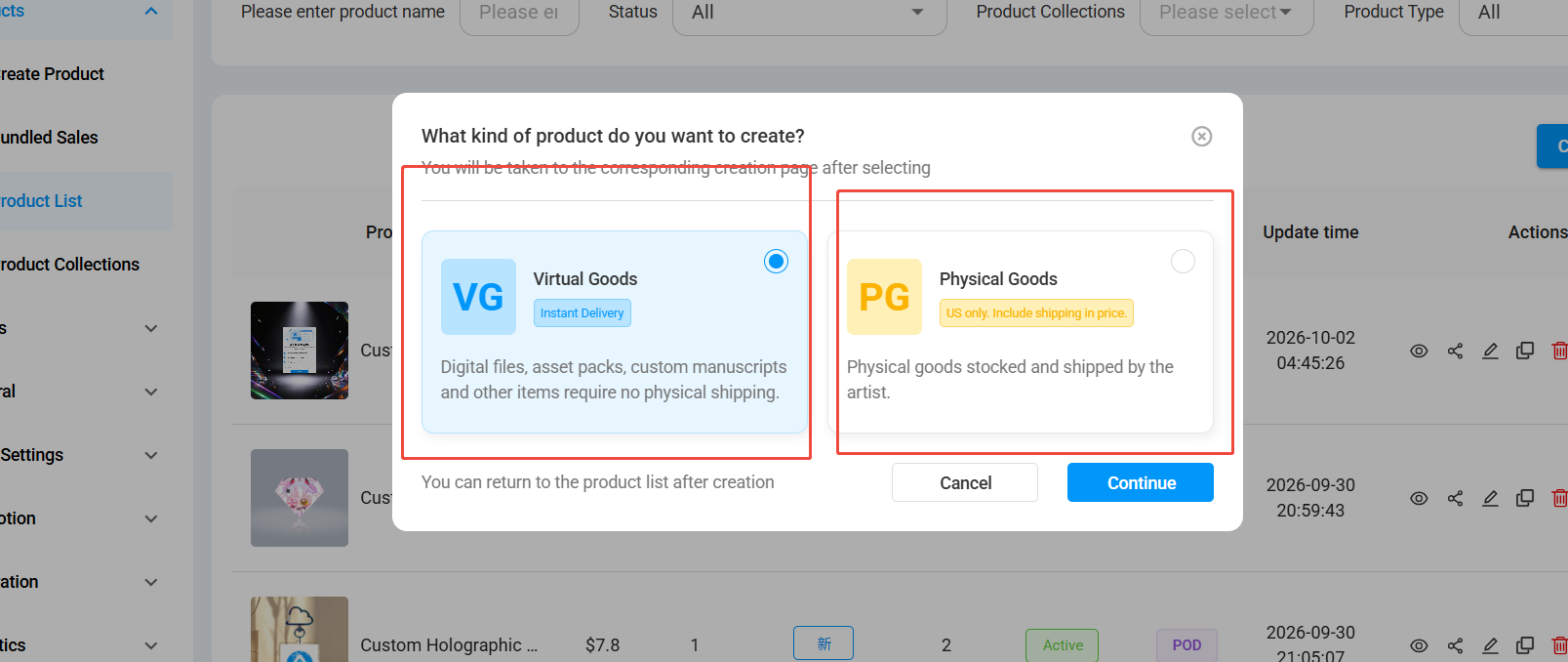
A window will appear asking you to choose the type of product you'd like to create.
You can choose between:
💻 Virtual Goods (Digital Products)
Perfect for digital artwork, design files, asset packs, and other downloadable products. Customers can receive their files instantly after purchase.
📦 Physical Goods (Self-Fulfilled Products)
For physical products that you already have in stock. You'll be responsible for packaging, shipping, and providing tracking information.
Select your preferred product type and click Continue.
Note: Self-Fulfilled Products are currently available in the United States only. Be sure to include shipping costs in your selling price.
Step 3: Add Your Product Information
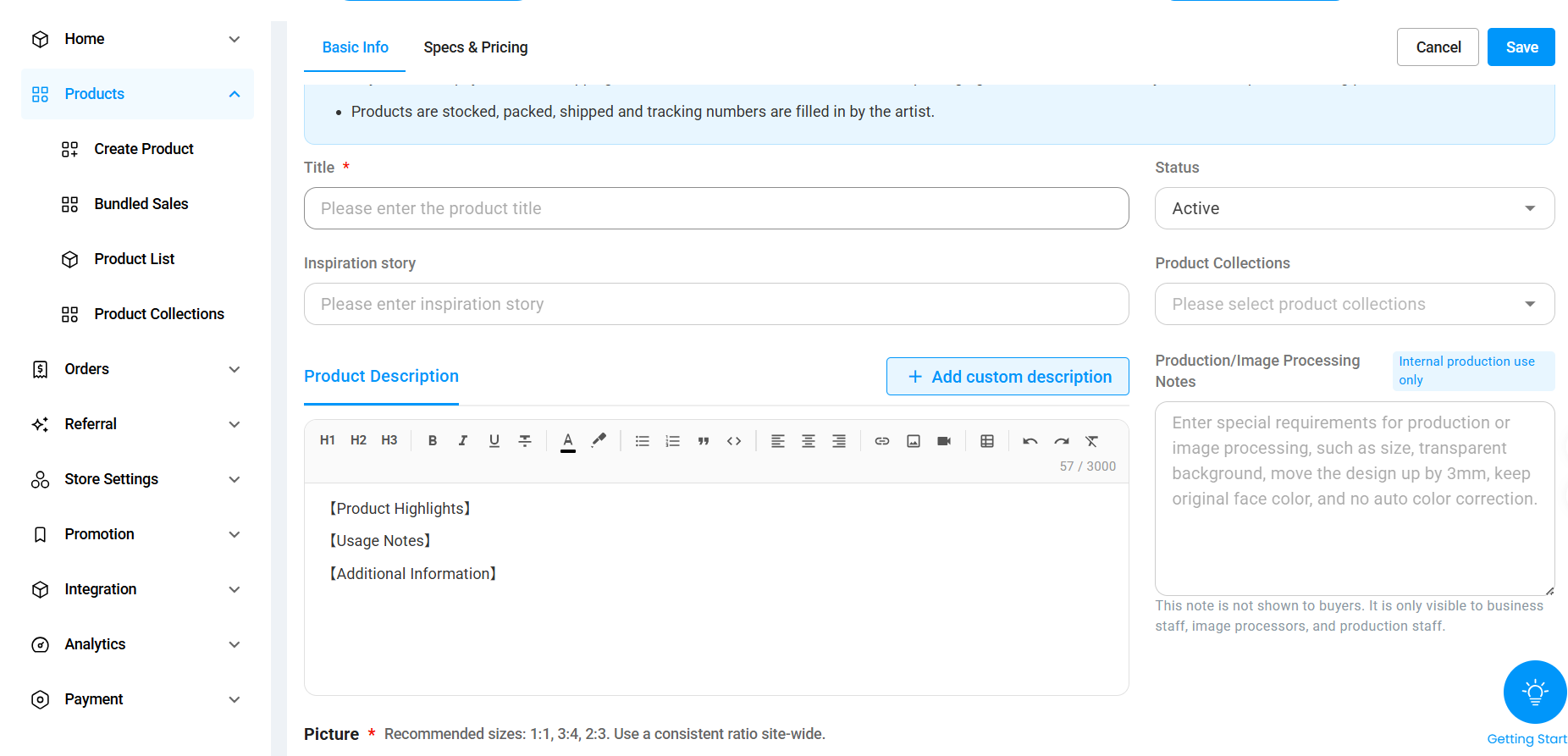
Fill in your product details, including:
- Product Title: Give your product a clear name.
- Product Images: Upload images to showcase your product.
- Product Description: Tell customers what makes your product special.
- Product Collections: Choose a collection if applicable.
- Specifications & Pricing: Set up the relevant product options and selling price.
Once everything is ready, click Save to finish creating your product.
Step 4: View Your Product in Your Store
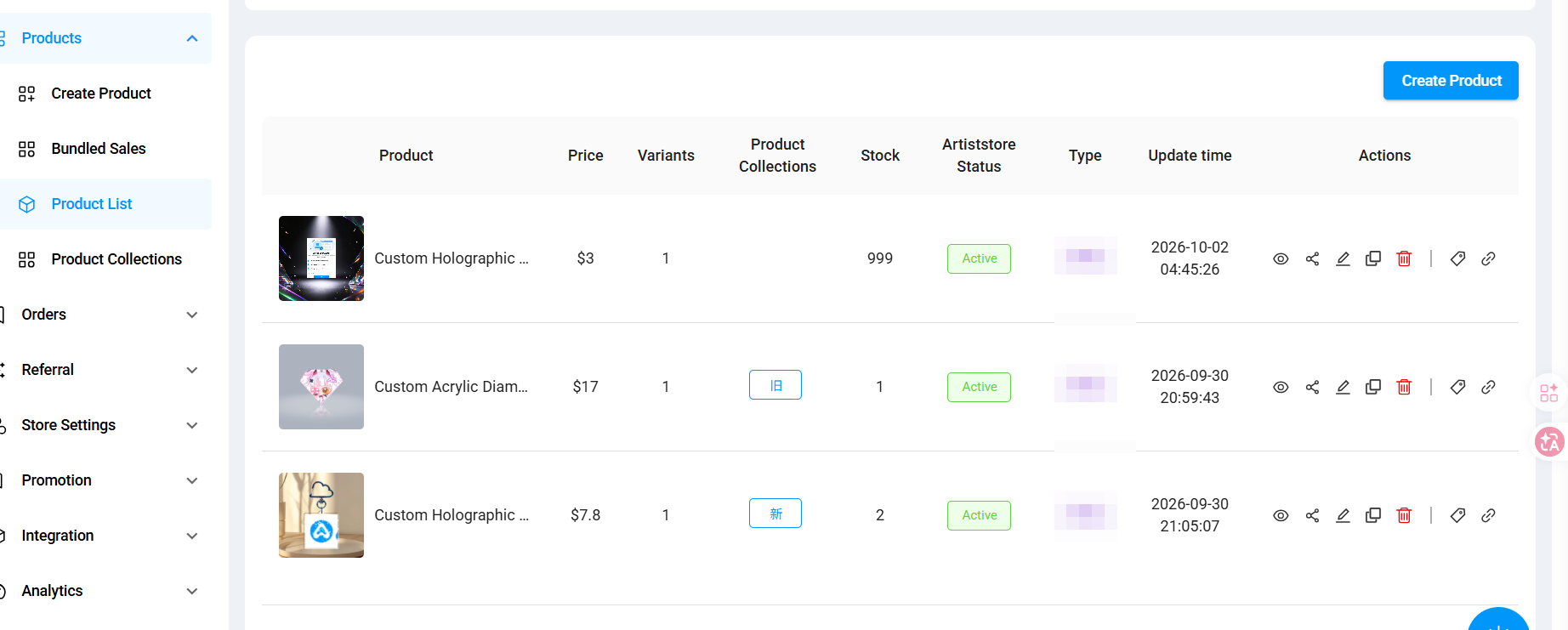
After saving, go back to:
Products → Product List
Your newly created Self-Fulfilled or Digital Product will appear in your product list.
You can manage the product, update its information, or click Preview to see how it looks in your store.
Make sure your product is published and active so customers can view and purchase it!
Frequently Asked Questions
Do I need permission to create these products?
Yes! Self-Fulfilled and Digital Products require access to be enabled for your account.
Simply send a DM to Artiststore Support on Discord, and our team will help you get started.
Who handles shipping for Self-Fulfilled Products?
You do! As the seller, you're responsible for managing inventory, packaging, shipping, and providing tracking information.
Can I sell Self-Fulfilled Products outside the United States?
Self-Fulfilled Products are currently supported in the United States only.
Can I sell POD, Self-Fulfilled, and Digital Products in the same store?
Yes! Artiststore supports all three product types, so you can offer a wider range of creations to your customers.
Ready to Start Selling?
Whether you're selling physical merch, digital artwork, or POD products, Artiststore makes it easy to bring your creations together in one store.
Head to Products → Create Product to get started!
Need access or have questions? Feel free to reach out to Artiststore Support on Discord. 💙