
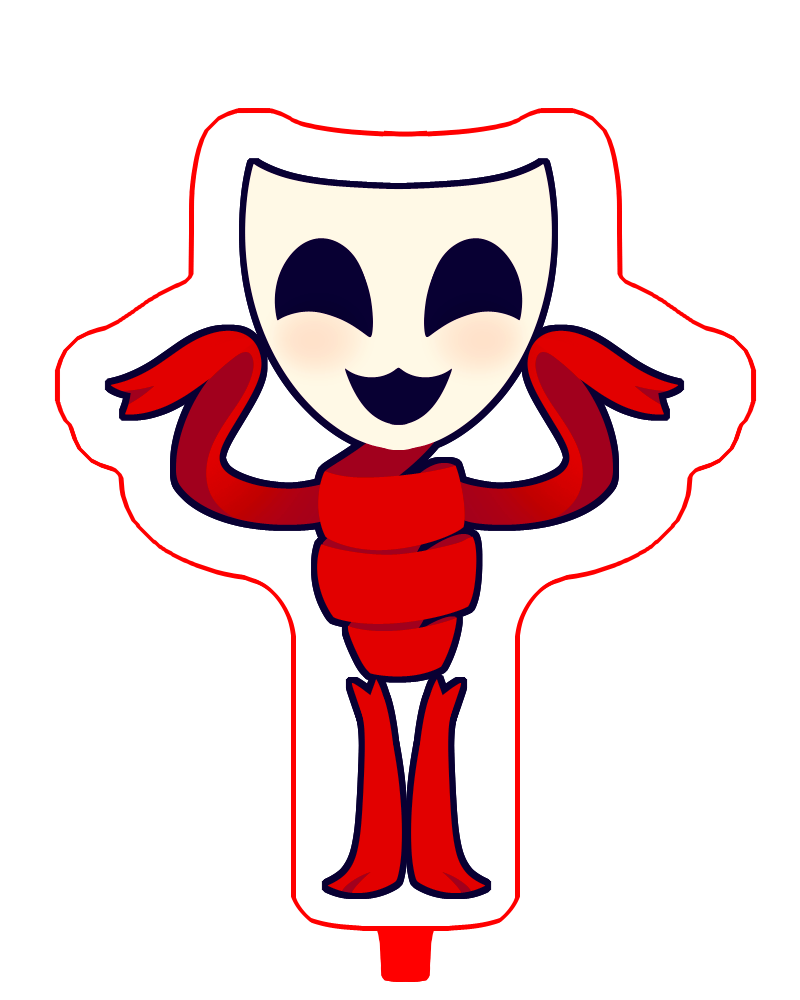
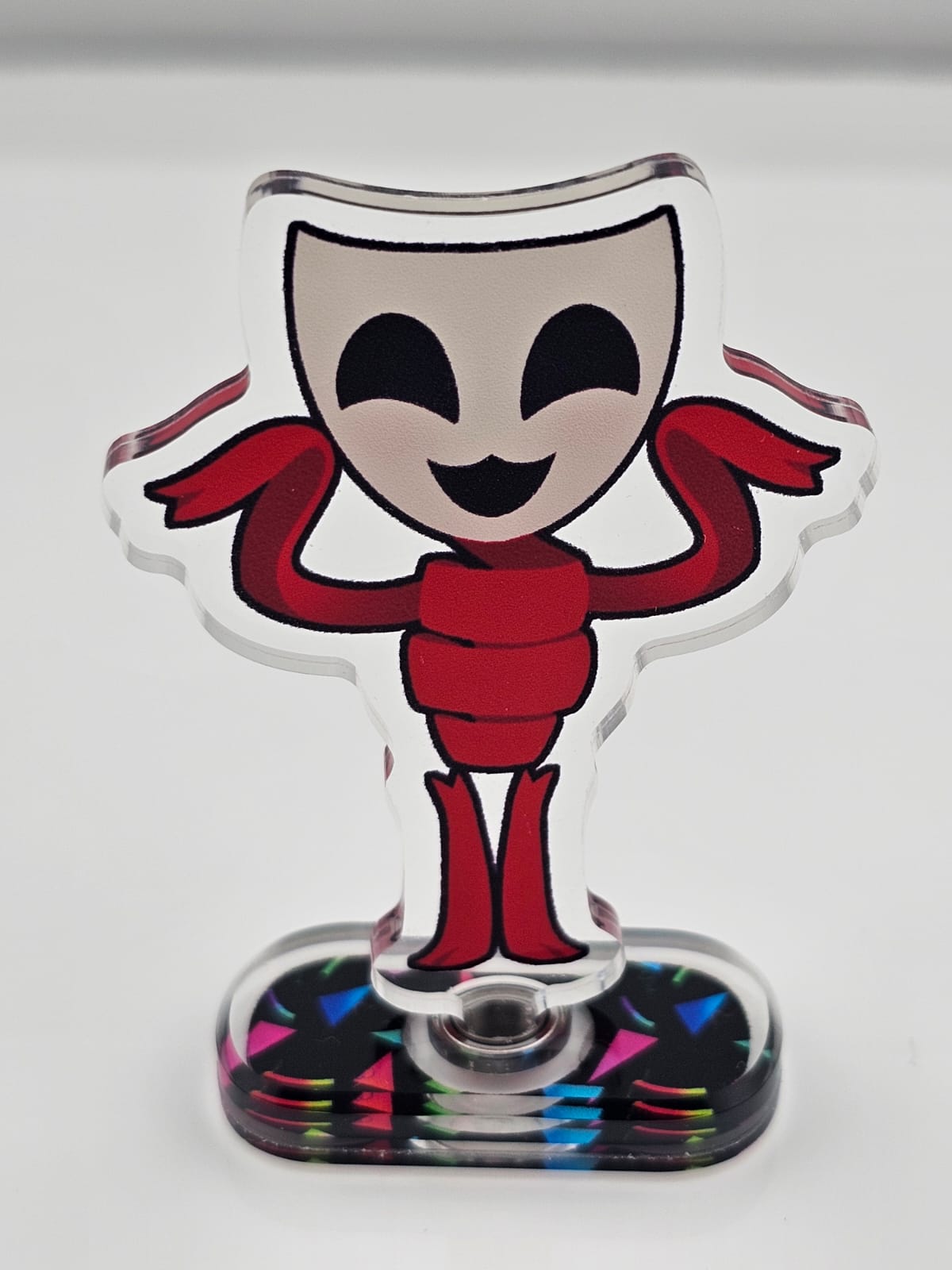
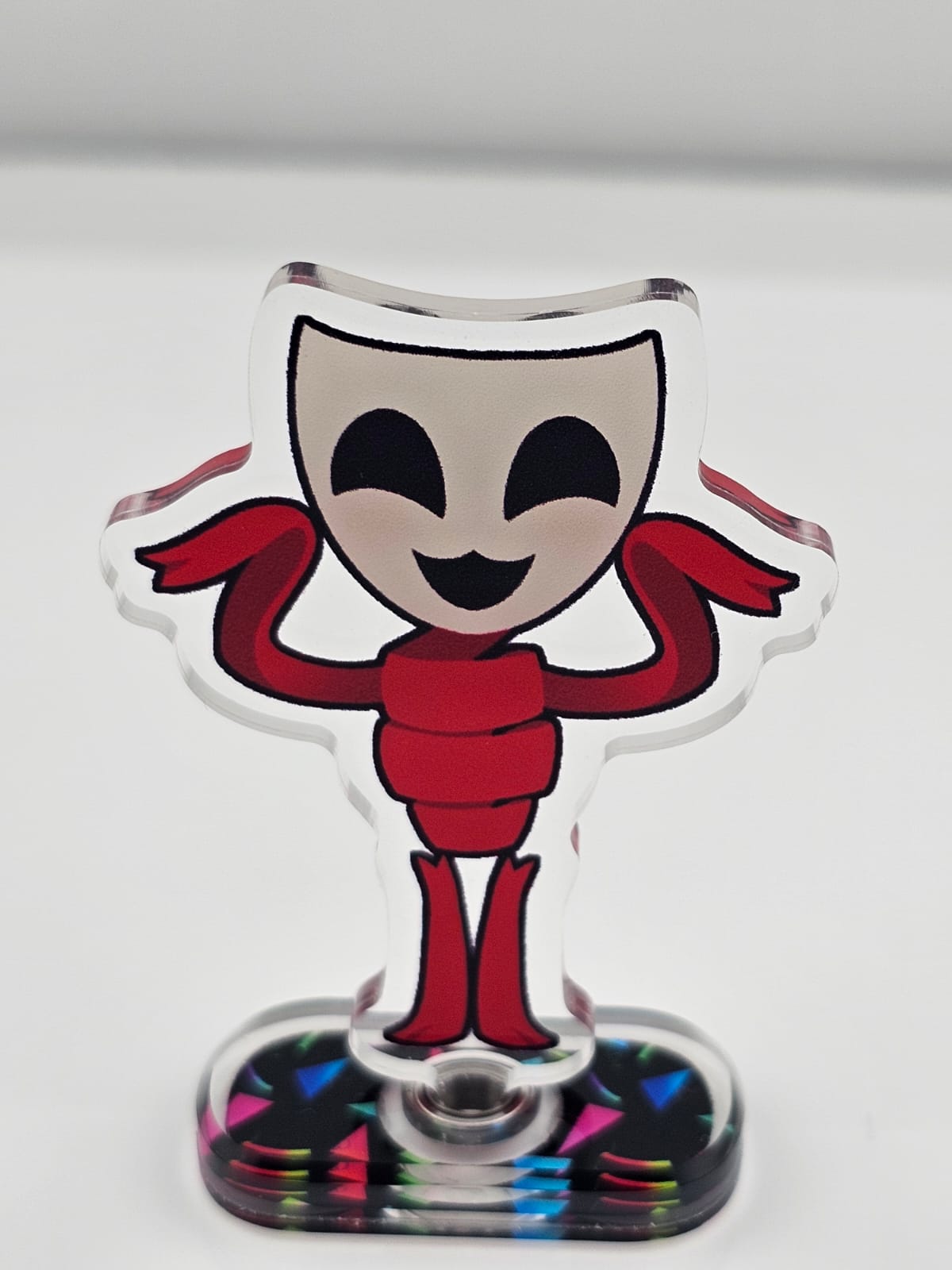
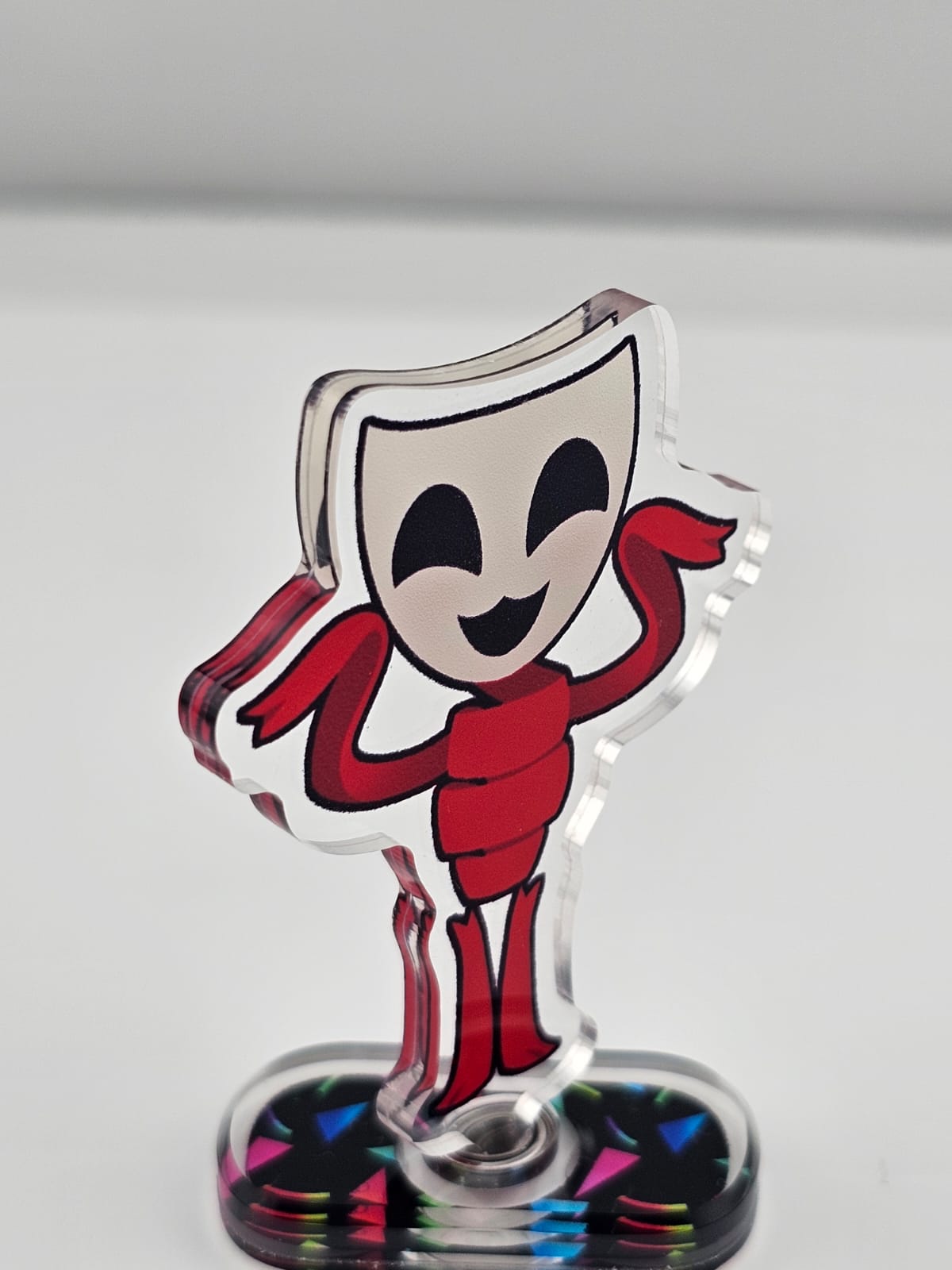
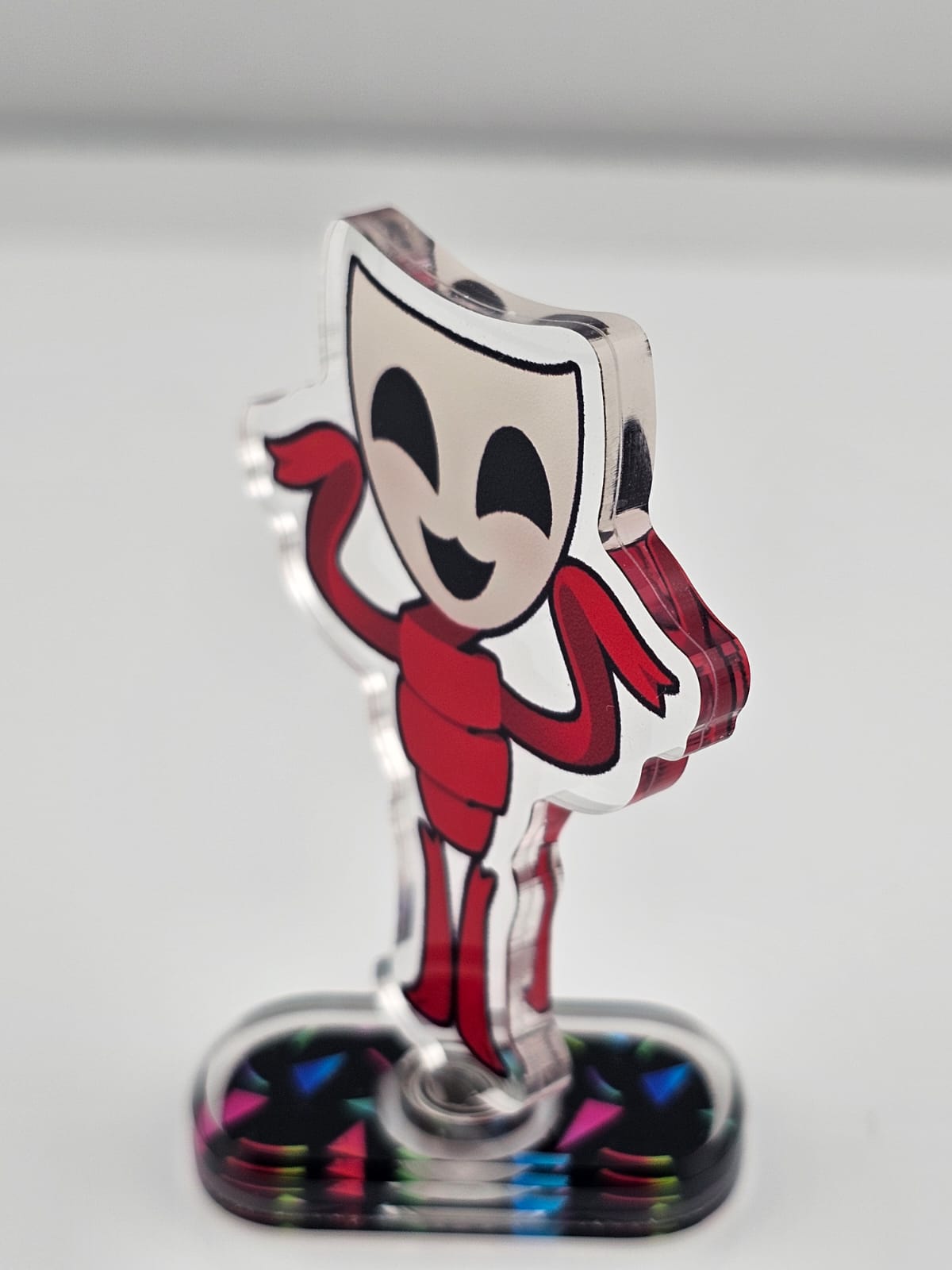
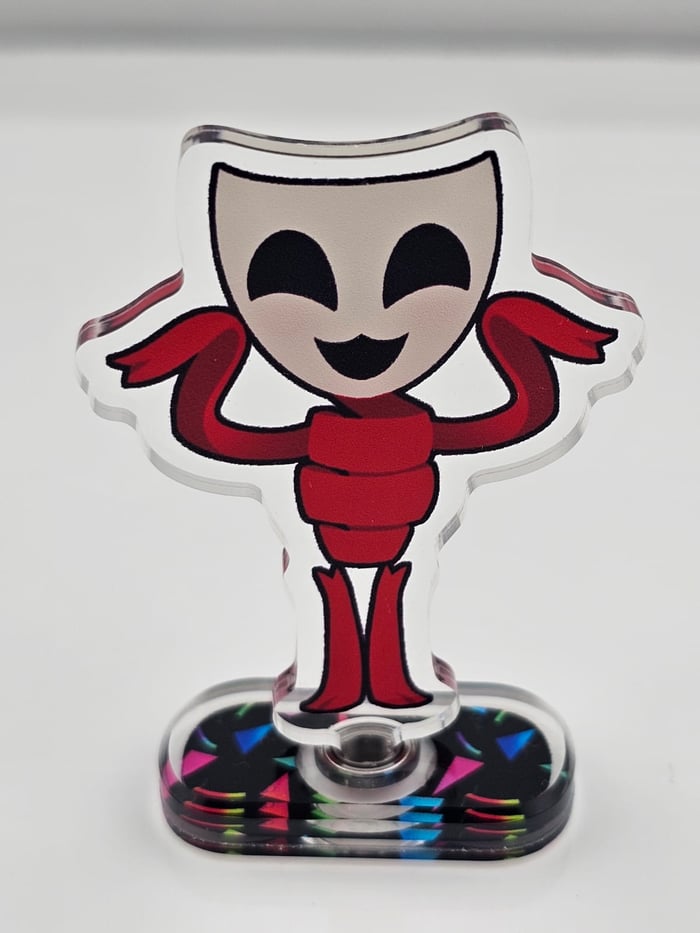
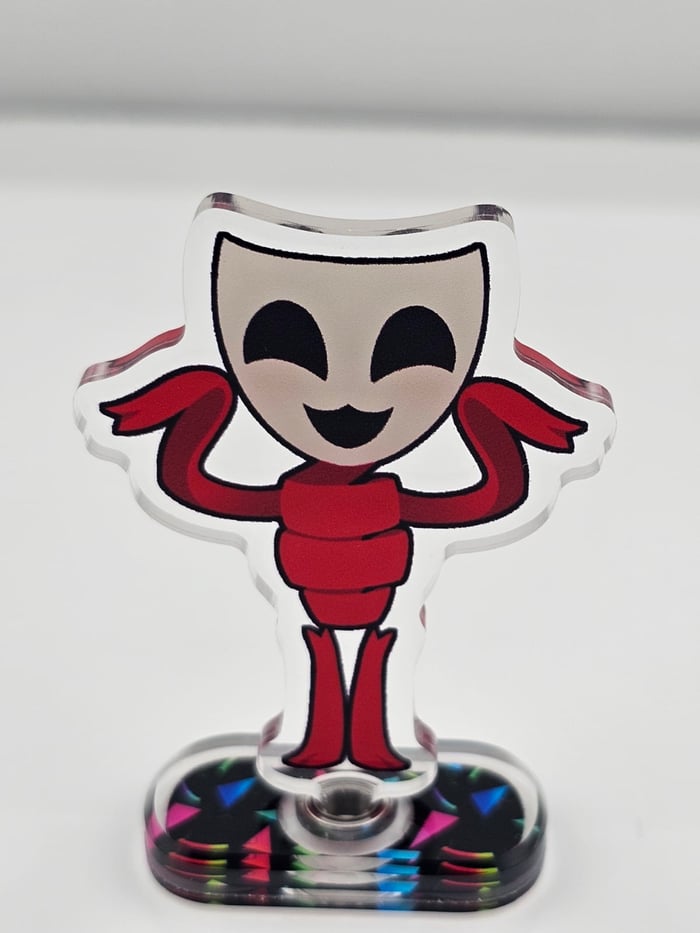
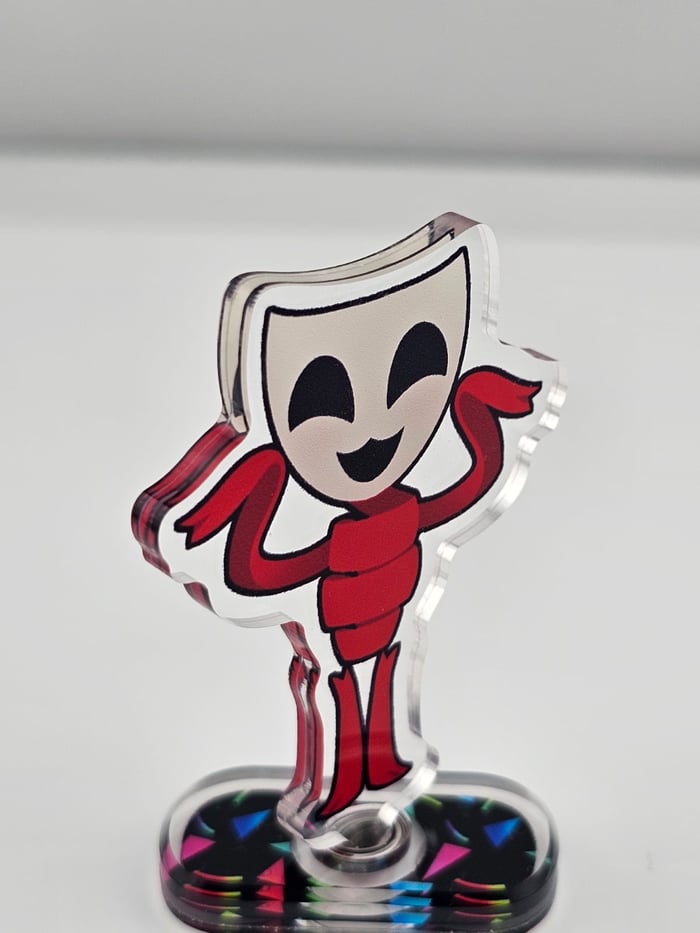
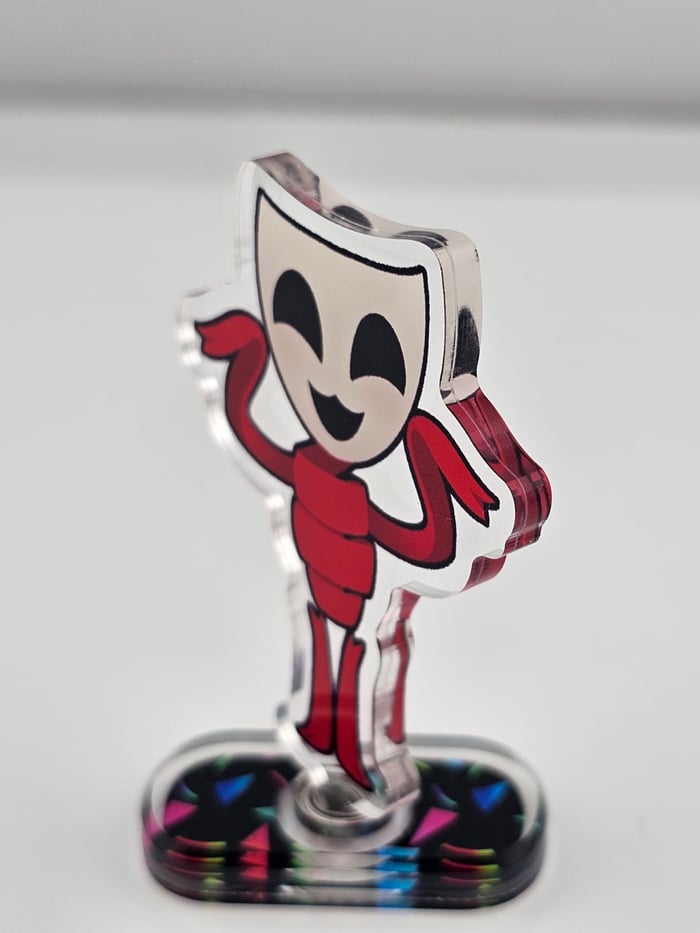
Gangle TADC Rotating Acrylic Standee
Design and sold by
:D
Product Specifications:
Estimated Delivery:
Reliable Shipping & Delivery
- Estimated delivery times and shipping costs shown at checkout
- 95% of orders are delivered within approximately 2 weeks
Secure Payment & Data Protection
- Secure and encrypted payment processing
- Your payment information is protected
Creator-Supported After-sales
- Creators handle customer questions and after-sales support
- ArtistStore provides tools and support to help resolve issues
ArtistStore Platform Support
- Support creators with store setup, products, and platform features
- Provide tools and resources to help creators grow their business
Product name | Rotating Acrylic Standees |
MOQ | 1 piece |
Can be customized | Shape, size, design on the Standee |
template | https://drive.google.com/drive/folders/1PuSc5OGdEXBXy--h9PoYqADYsgfgoOV_?usp=sharing |
File requirements | Please Upload PSD/PNG/PDF/AI/JPG/CDR file. Please providing CMYK colour. Need 300 resolution, 1000 pixels or more |
Notice | If you have ordered more than 5 standees or have special requirements, we will offer you with proof/cutlines for confirm |
Design Guidelines
1. Double-Sided Design
• Same design on both sides will be mirrored by default.
•For double-sided designs, upload front and back separately and choose different design when placing the order.
2. Size Information
• Standees size should include standees border and depends on the longest edge(the vertical or horizontal length of the charm's artwork), not only the printing design size.
3. Text in Design
• If your design includes text, please select the option “Double sided different designs” to ensure the text appears correctly and not mirrored on the back side.
4. Default Border Width
• Default Border Width: 2mm
Simply provide your original design draft, and our designers will draw the outlines and hole positions for you.
✨ Special Finishes
5. Borderless Standees
• Please leave a 0.5 mm bleed area with background color for cutting.
• No need to draw the cutline — just upload your design with background, and our designers will create the cutline for you.
6. Gradient /Semi-Transparent & Layer Setup
• If your design includes semi-transparent or gradient effects, place them on a separate named layer, or name your file with “semi-transparent” and leave a note with your order.
• For light colors, avoid using overly pale shades — we recommend a slightly darker background to prevent unwanted transparency.

📁 File Requirements & Upload Instructions
1. File Format & Specs
• Format: PSD / PNG / PDF / AI (PNG with transparency or layered PSD preferred)
• Color Mode: CMYK (Japan Color 2001 Coated)
• Resolution: 300 DPI, with at least 1000 pixels on the longest side
2. File Naming
• Name each file as: DesignName_Quantity_#AccessoryNumber
• Example: CatCharm_50_#B3
3. How to Upload
• Place all files into one folder
• Compress the folder into a .ZIP file
• Upload the ZIP file on the product page when placing your order
