

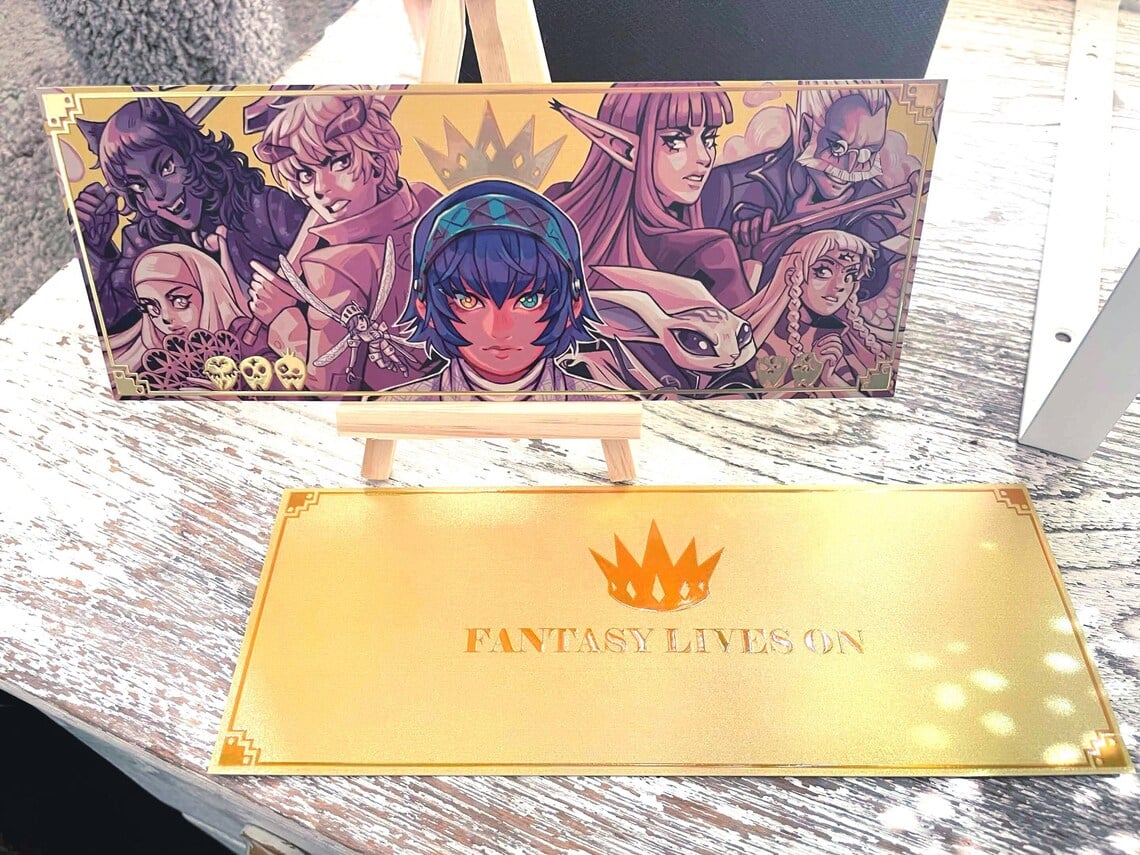
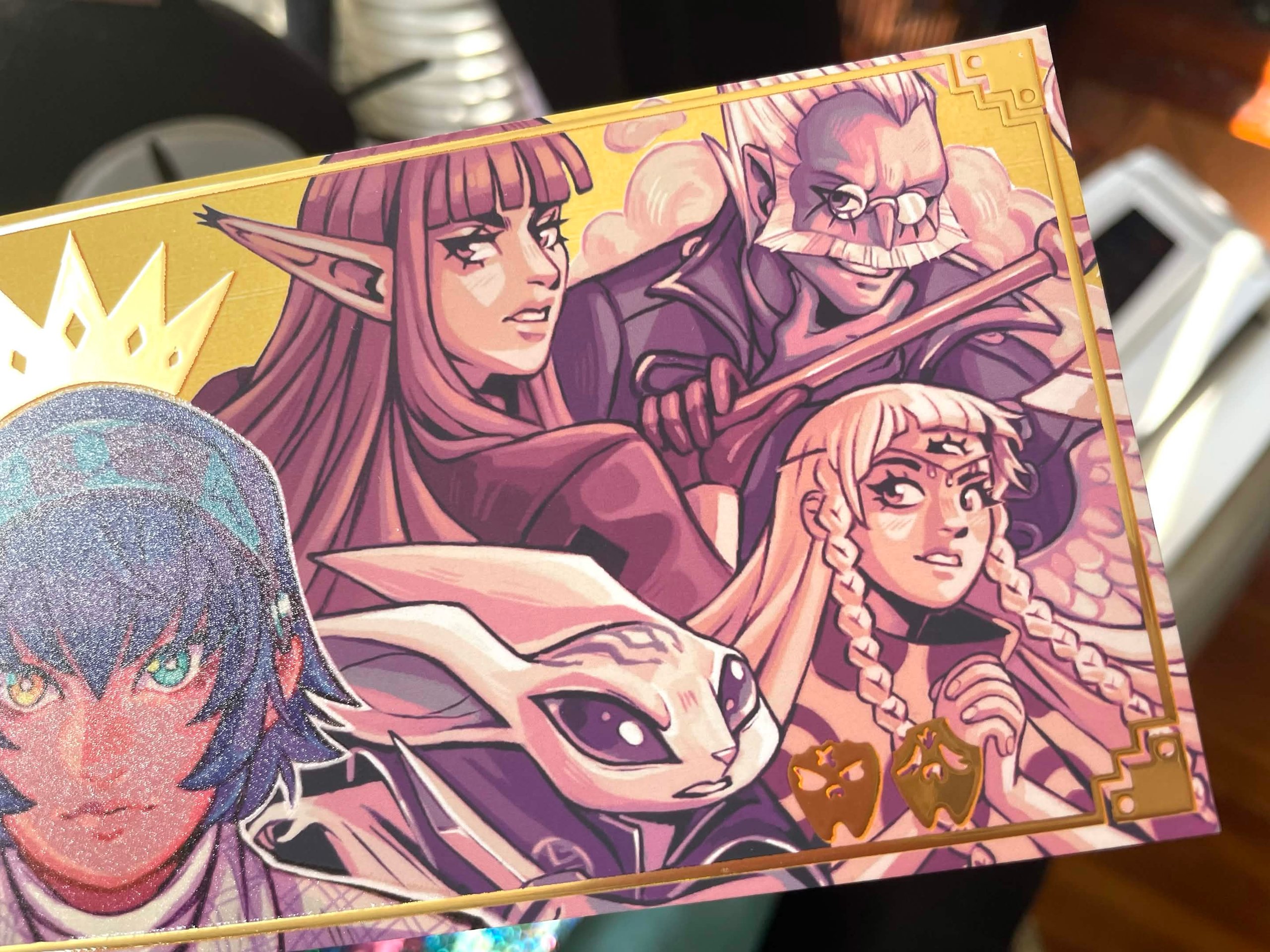
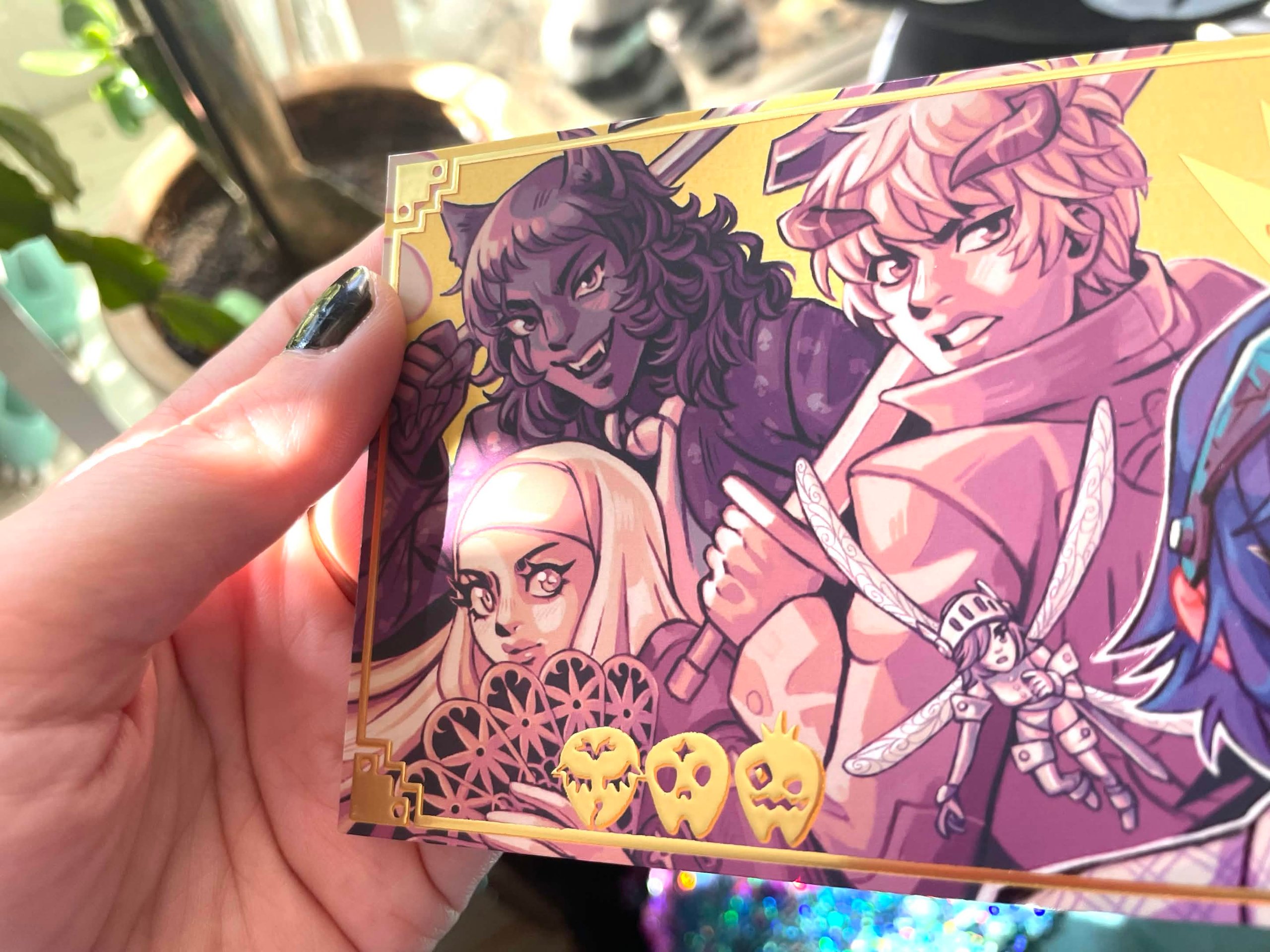
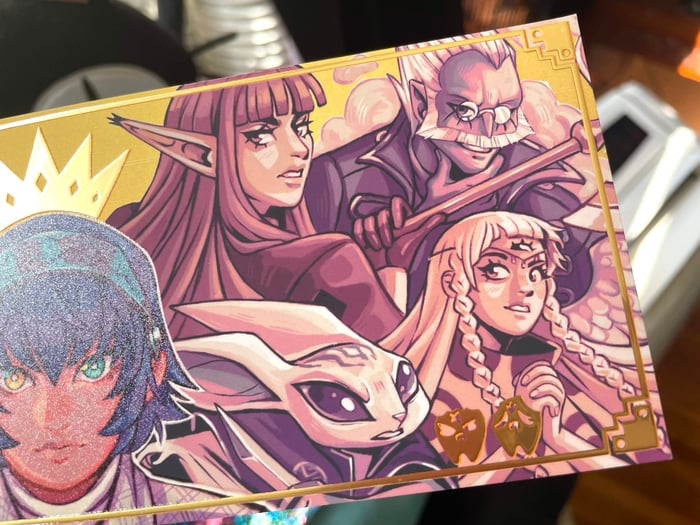
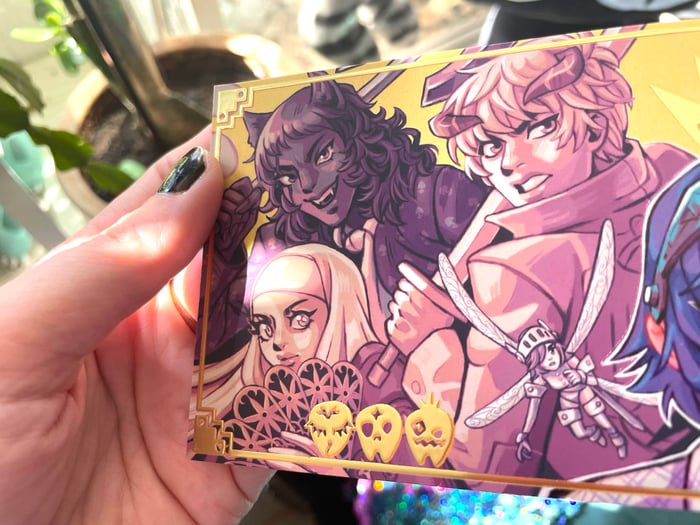
Metaphor ReFantazio Foil Stamped Holographic Ticket
Design and sold by
Product Specifications:
Estimated Delivery:
Reliable Shipping & Delivery
- Estimated delivery times and shipping costs shown at checkout
- 95% of orders are delivered within approximately 2 weeks
Secure Payment & Data Protection
- Secure and encrypted payment processing
- Your payment information is protected
Creator-Supported After-sales
- Creators handle customer questions and after-sales support
- ArtistStore provides tools and support to help resolve issues
ArtistStore Platform Support
- Support creators with store setup, products, and platform features
- Provide tools and resources to help creators grow their business
Product name | Raised Foil Stamping Holographic Ticket |
MOQ | 1 Piece |
template | |
Artwork Requirements | 1) Design Requirements |
Design Guidelines
1. Double-Sided Design
• Same design on both sides will be mirrored by default.
• For double-sided designs, upload front and back separately and choose different design when placing the order.
2. Size Information
• Charm size should include charms border and hole and depends on the longest edge(the vertical or horizontal length of the charm's artwork), not only the printing design size.
3. Text in Design
• If your design includes text, please select the option “Double sided different designs” to ensure the text appears correctly and not mirrored on the back side.
4. Default Border Width
• Default Border Width: 2mm
Simply provide your original design draft, and our designers will draw the outlines and hole positions for you.
✨ Special Finishes
5. Borderless Charms
• Please leave a 0.5 mm bleed area with background color for cutting.
• No need to draw the cutline — just upload your design with background, and our designers will create the cutline for you.
6. Gradient /Semi-Transparent & Layer Setup
• If your design includes semi-transparent or gradient effects, place them on a separate named layer, or name your file with “semi-transparent” and leave a note with your order.
• For light colors, avoid using overly pale shades — we recommend a slightly darker background to prevent unwanted transparency.
📁 File Requirements & Upload Instructions
1. File Format & Specs
• Format: PSD / PNG / PDF / AI (PNG with transparency or layered PSD preferred)
• Color Mode: CMYK (Japan Color 2001 Coated)
• Resolution: 300 DPI, with at least 1000 pixels on the longest side
2. File Naming
• Name each file as: DesignName_Quantity_#AccessoryNumber
• Example: CatCharm_50_#B3
3. How to Upload
• Place all files into one folder
• Compress the folder into a .ZIP file
• Upload the ZIP file on the product page when placing your order


